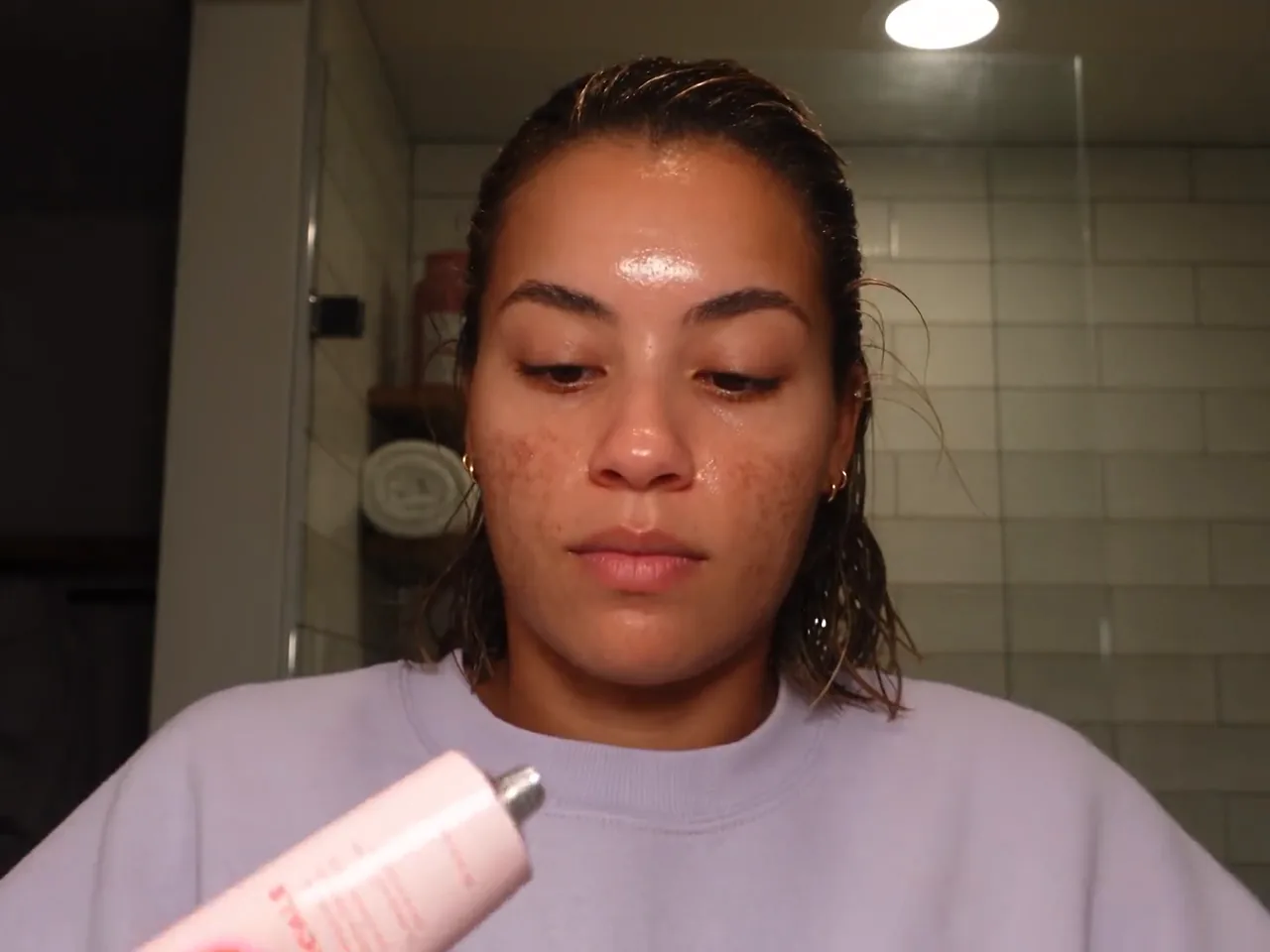
UGC talking character
Works best for product-led talking UGC. Upload the product images first, add a character photo or sheet if you have one, then paste the dialog for a take that holds the product in frame.
How to use
- 1.Upload the product images
- 2.Optionally add a character photo or sheet
- 3.Type /ugc-talking-character, paste the dialog, and run
Inputs
- Product imagesRequired
- Character photo or sheetOptional
- Script / dialogRequired