Use skills to create anything
Skills are built by creators, designers and industry experts to help you create better outputs. We've curated most used ones here, check them out.
How skill works?
1. Paste your assetsDrop product shots, references or scripts anywhere on the canvas.
2. Select what the skill should useDrag across the assets. The skill reads only what you select.
/prod
/product-video
/product-stills
3. Type / and pick a skillLight routes the job to the right model and comes back with the result.
Popular skills
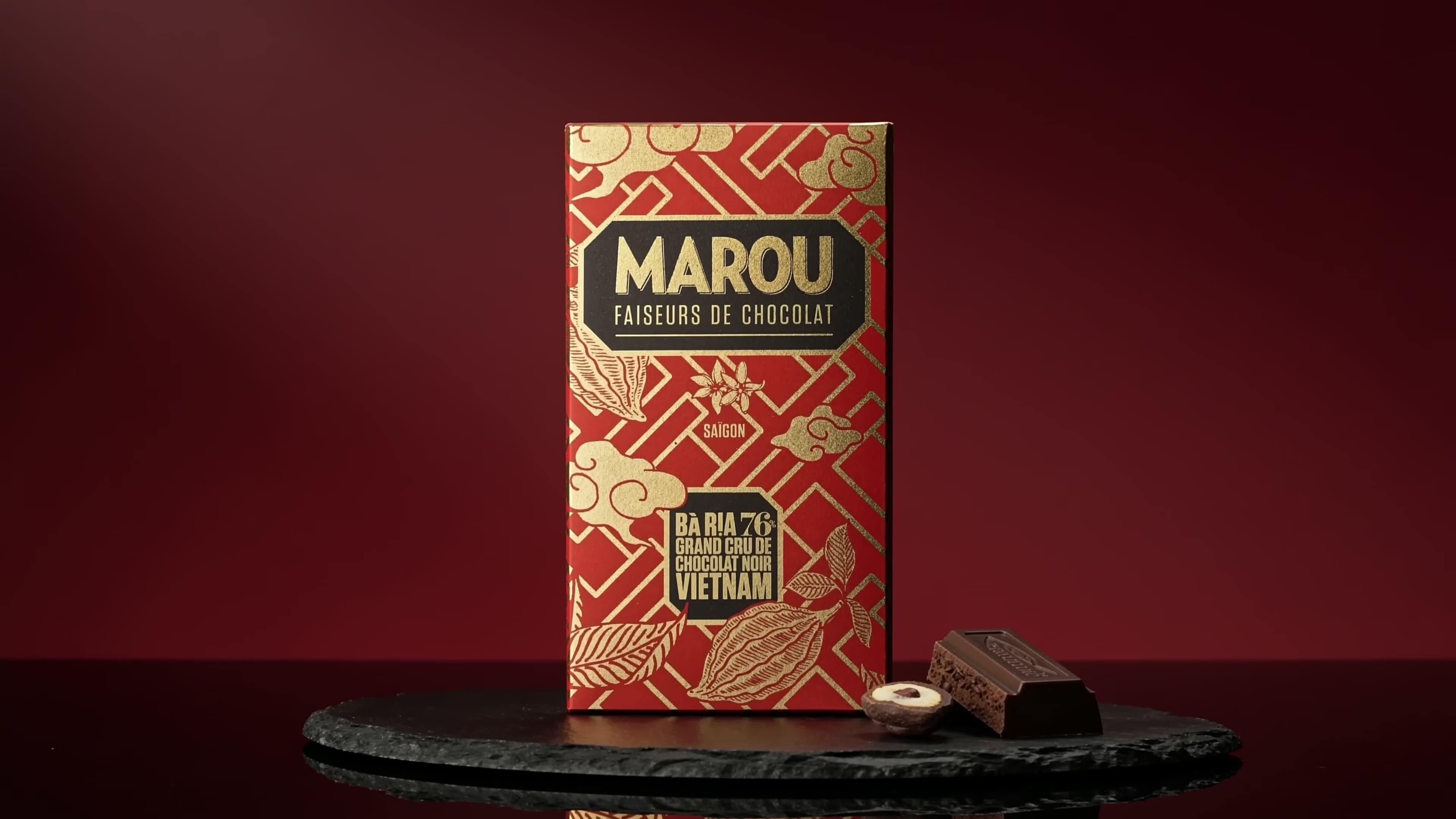
Product commercials
Works best to make cinematic product videos for listing and running ads. Make sure to use high quality product shots.
How to use
- 1.Paste product shots on the canvas
- 2.Call it by typing / and writing product-video-skill
- 3.Run to get a new 10-15s film
UGC talking videos
Works best to make talking videos of a character delivering your message. Give it a photo or description plus a clear script.
How to use
- 1.Add a character photo or description
- 2.Call it by typing / and writing ugc-talking-video
- 3.Paste the dialog and run
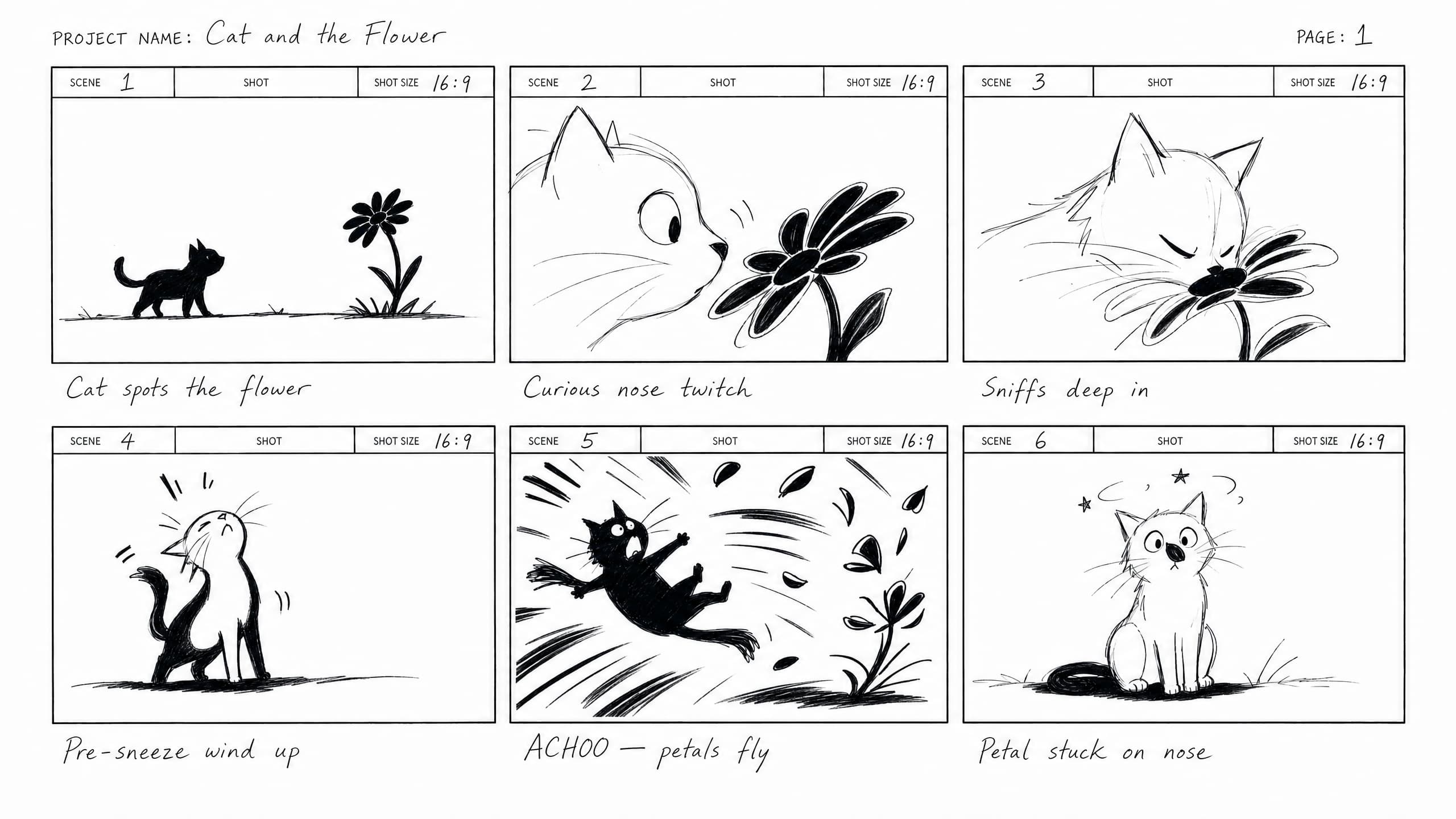
Storyboards
Works best to turn scripts or scene ideas into hand-drawn storyboards. Pressure-test the narrative before you shoot.
How to use
- 1.Paste the script or brief on the canvas
- 2.Call it by typing / and writing storyboard-generator
- 3.Get a 6-panel sketched grid